Every shortcode you can use in a blog post or any other MDX file, each with the code that produces it. The list lives in src/lib/shortcodes.ts.
Callout
Pull a tip or a warning out of the text. type is note (default), tip, warning, or danger. Without a title, the type name is shown.
<Callout type="tip" title="Test on a hidden spot first">
  Try any cleaner inside a cupboard door or under a rug before you use it on the
  whole surface.
</Callout>
Note
Most stains come out with cold water and patience. Heat sets protein stains such as egg and blood.
Test on a hidden spot first
Try any cleaner inside a cupboard door or under a rug before you use it on the whole surface.
Warning
Never mix bleach with an ammonia or acid cleaner. Rinse the surface between products.
Switch off at the fuse box
Turning a light switch off is not enough before you touch a fitting. Test the wires first.
<Notice> still works and renders the same callout: info → note, success → tip, warning → warning, error → danger.
Steps
Wrap headings in <Steps> to number them. Each ## or ### heading starts a step, and everything below it belongs to that step.
<Steps>

### Find where it rubs

Close the door slowly and look for the bright, worn patch on the frame.

### Tighten the top hinge

Use a hand screwdriver, not a drill: the screws strip easily.

### Check the gap

The gap should be even, about the thickness of a coin, all the way round.

</Steps>
Find where it rubs
Close the door slowly and look for the bright, worn patch on the frame.
Tighten the top hinge
Use a hand screwdriver, not a drill: the screws strip easily.
Check the gap
The gap should be even, about the thickness of a coin, all the way round.
Checklist
<ListCheck> turns a Markdown list into a checklist. Add columns={2} for two columns on wider screens.
<ListCheck columns={2}>

- **Oven and hob**: the first door most inspectors open.
- **Fridge and freezer**: defrosted, dry, door left open.
- **Cabinets and drawers**: crumbs in the corners.
- **Bathroom limescale**: taps, screen, and shower head.

</ListCheck>- Oven and hob: the first door most inspectors open.
- Fridge and freezer: defrosted, dry, door left open.
- Cabinets and drawers: crumbs in the corners.
- Bathroom limescale: taps, screen, and shower head.
Job ticket
<JobTicket> shows a checklist as a job ticket. Each list item becomes a checked row. total is free text; with service and no total, the ticket shows that service’s “from” price from the rate card, and a “Get a price” button opens the estimator with the service selected.
<JobTicket title="Before the crew arrives" code="TIP-021" label="Deep clean" service="deep-cleaning">

- Clear the kitchen counters
- Put away anything fragile
- Leave a key or a door code

</JobTicket>
No. TIP-021
Deep clean
Before the crew arrives
- Clear the kitchen counters
- Put away anything fragile
- Leave a key or a door code
From$180
Price band
<PriceCta> is the line that ends every blog post: the service’s “from” price and a button to the estimator. Blog posts show it on their own from the service field in the front matter; use the shortcode on other pages.
<PriceCta service="window-cleaning" />Button
<Button label="Get a price" url="/book/" />
<Button variant="outline" label="Call us" url="/contact/" />
<Button variant="text" label="See all services" url="/services/" />Accordion
Rows with the same group close each other. expanded="true" opens a row on load.
<Accordion label="Does someone have to be in during the visit?" group="visit" expanded="true">

No. Most clients leave a key or a door code. We lock up and text you when we leave.

</Accordion>
Does someone have to be in during the visit?
No. Most clients leave a key or a door code. We lock up and text you when we leave.
Do you bring the products?
Yes: cloths, vacuum, and products. Tell us if you want us to use your own.
What if something breaks?
Tell us within 48 hours and we will sort it out with you.
Tabs
<Tabs>
  <Tab name="Kitchen">
    Degrease the hood filter, wipe the cabinet fronts, clean the oven door
    glass.
  </Tab>
  <Tab name="Bathroom">
    Descale taps and the shower screen, scrub grout lines, clean behind the
    toilet.
  </Tab>
</Tabs>Degrease the hood filter, wipe the cabinet fronts, and clean the oven door glass.
Image list
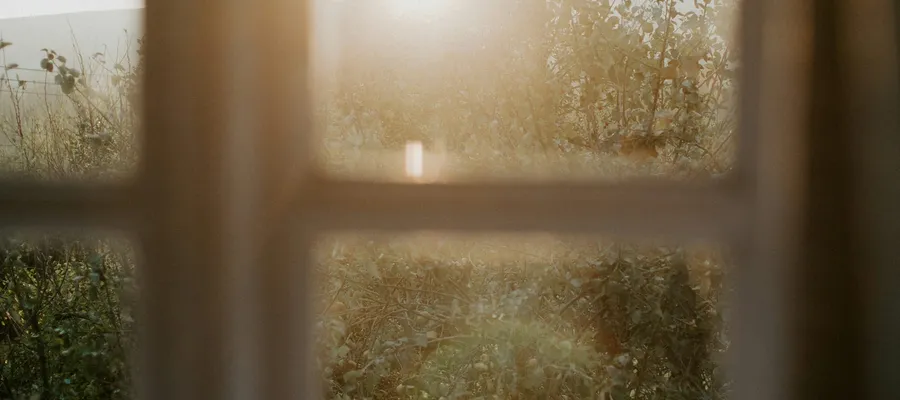
Photos in a grid, with an optional caption under each. width="1/2" or "1/3" sets the share of the row; videoSrc adds a play button.
<ImageList>
  <ImageItem
    imageSrc="/images/blog/door-hinge-fix.jpg"
    imageAlt="Screwdriver on a door hinge"
    caption="Tighten the top hinge first."
  />
  <ImageItem
    width="1/2"
    imageSrc="/images/blog/grout-close-up.jpg"
    imageAlt="Grout lines between tiles"
    caption="Dark grout after a year."
  />
  <ImageItem
    width="1/2"
    imageSrc="/images/blog/window-light.jpg"
    imageAlt="Light through a clean window"
    caption="Squeegee from top to bottom."
  />
</ImageList>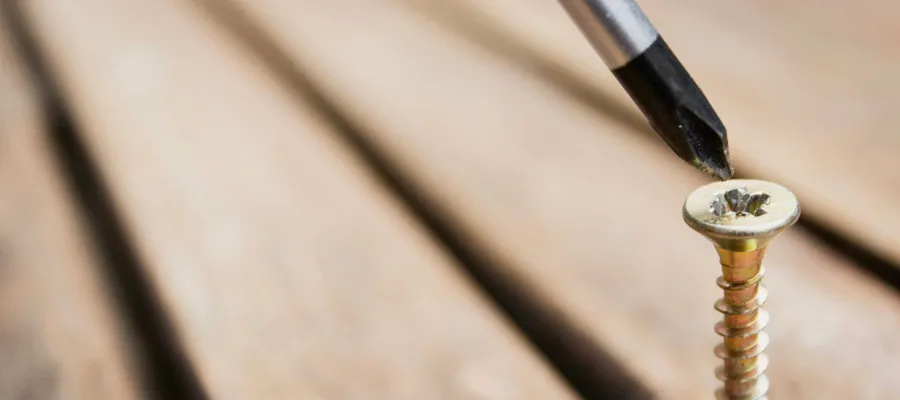

Video
<VideoInline src="rFVpSwgCkCo" provider="youtube" />
<VideoInline src="/videos/test-video.mp4" provider="html5" poster="/images/video-thumbnail.jpg" />
Text
Bold with **, italic with _, struck through with ~~, and inline code with backticks. Links use [text](/url/): our services.
A blockquote starts with
>. Use it for a short quote from a client or a crew member.
| Room | Time | Crew |
|---|---|---|
| Kitchen | 2 h | 2 |
| Bathroom | 1 h | 1 |
| Bedroom | 45 min | 1 |
## Heading 2 [.custom-class]
### Heading 3
Add classes to a heading in brackets, for example [.h5] for a smaller size.